
4: AND Gate with Two Buttons
This circuit is a simple AND gate made with two buttons.
If you want the fuller explanation first, see AND gate in Electricity.
An AND gate is a kind of logic gate. A logic gate is a circuit that turns an output on or off based on one or more inputs.
In this circuit, the two buttons are the inputs. The LED is the output. The LED turns on only when both buttons are pressed, because they are placed in the same path.
Learn more (optional):
Goal
Make the LED turn on only when both buttons are pressed.
Parts you need
- 1 LED
- 1 resistor
- 2 pushbuttons
- jumper wires
- breadboard
- RP2040-Zero
Important: choose the right resistor
Your kit has 150Ω and 100Ω resistors.
- For a red or yellow LED, use 150Ω
- For a green, blue, or white LED, use 100Ω
Using the wrong resistor can damage an LED.
Build idea
An AND gate only turns the output on when both inputs complete the path at the same time.
This time the buttons go one after another in the same path:
3V3 -> button A -> button B -> resistor -> LED -> GND
If either button is not pressed, the path is still broken, which is exactly how an AND gate behaves.
Build steps
Try each step, then check your work with the blurred photos below. Did you connect it the way you meant to?
- Build circuit 2: LED with Button.
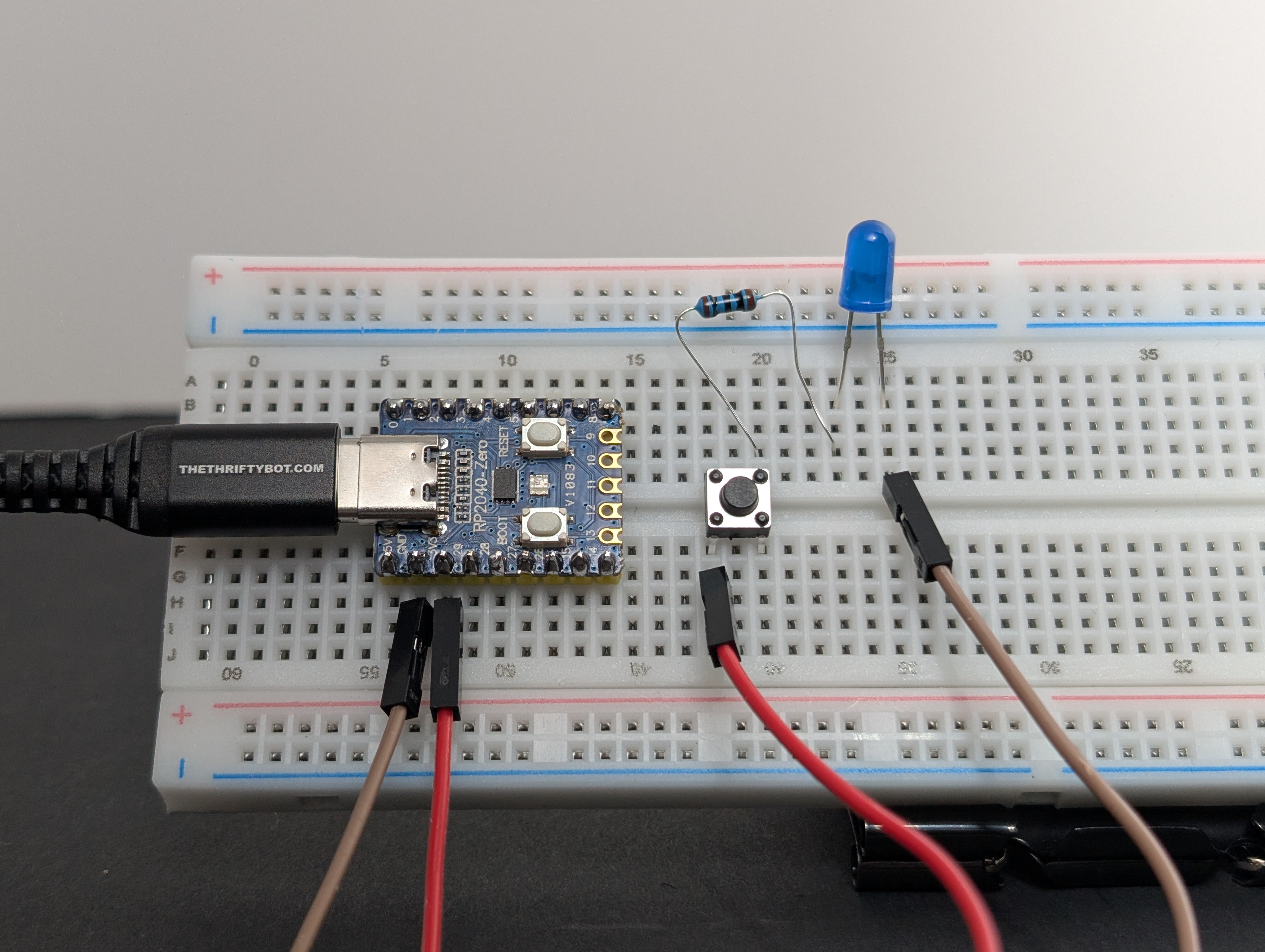
- Unplug the USB, if it's still connected.
-
Add a second button, making sure it bridges the center of the breadboard.
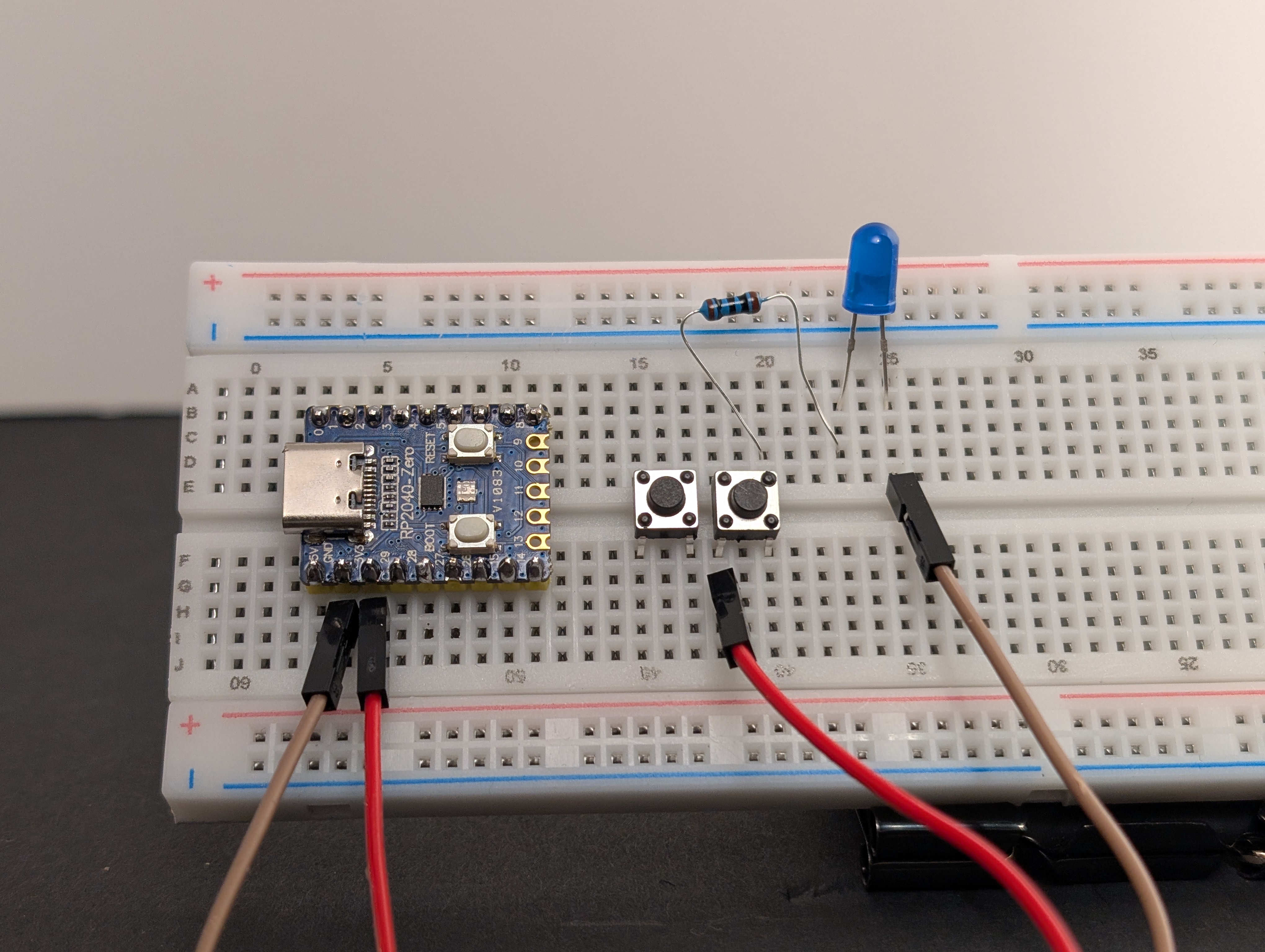
-
Disconnect
3V3wire from the second button, and connect it to the first button.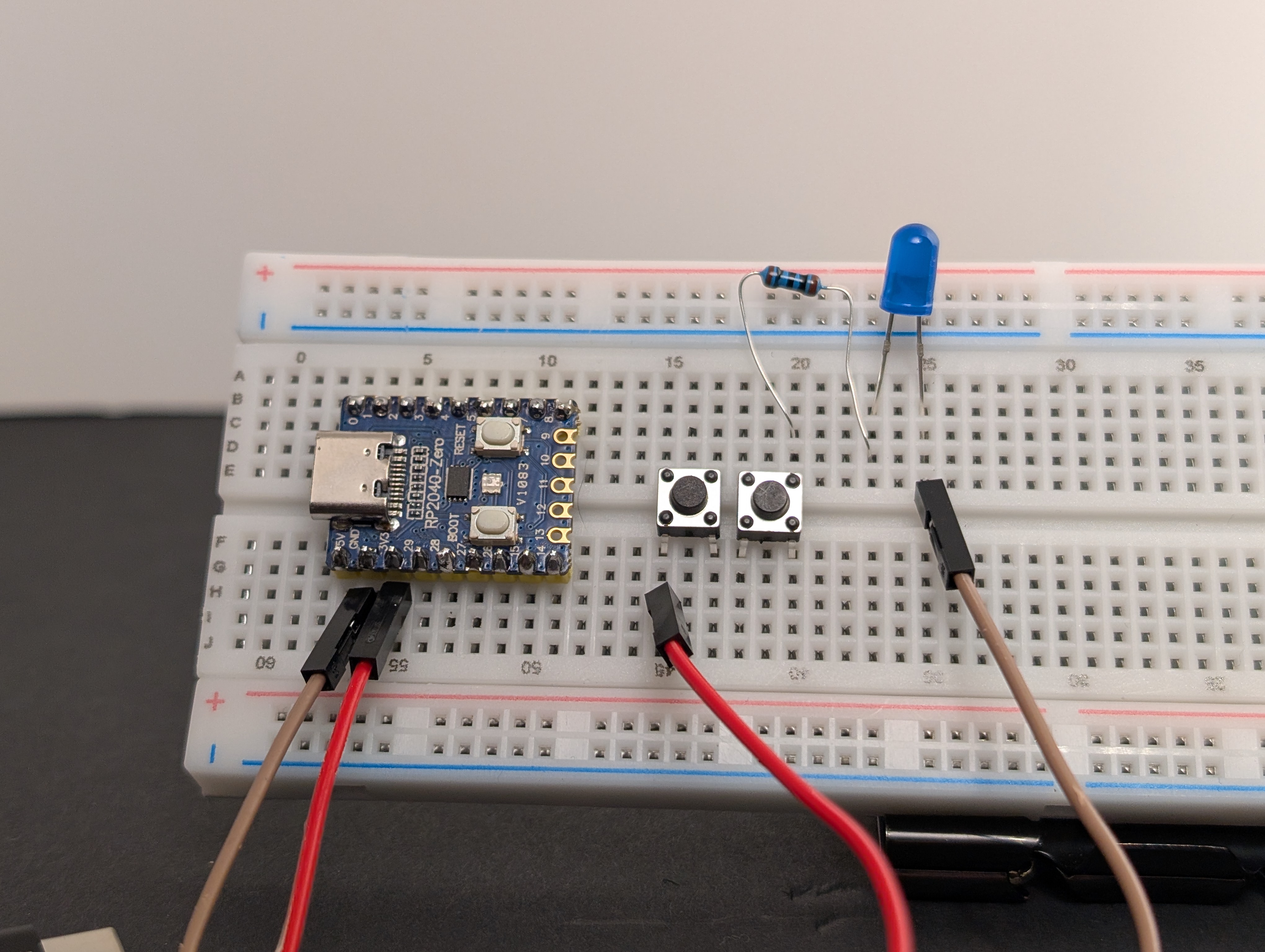
-
Using a jumper wire, connect the first button to the second button.
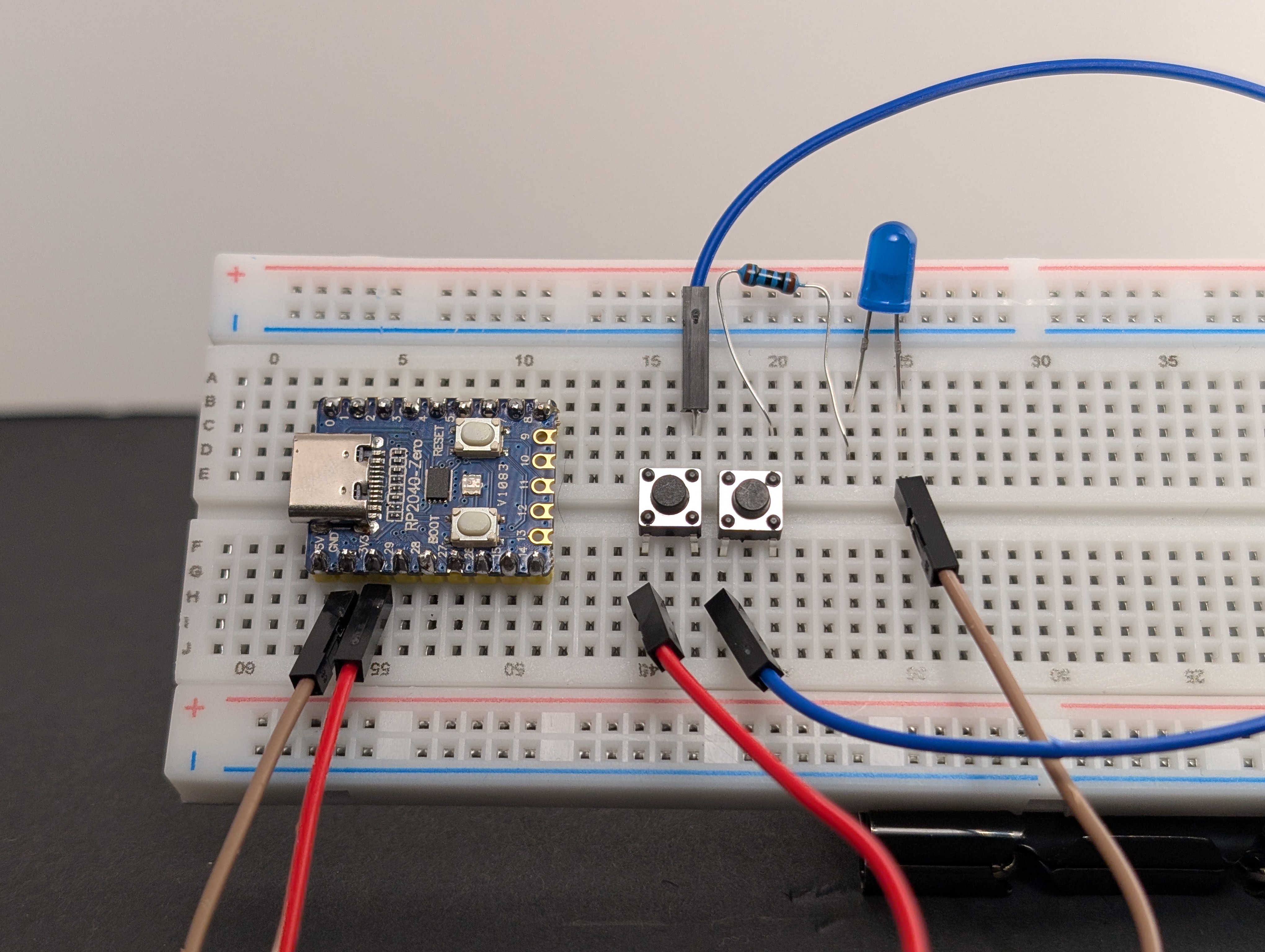
-
Make sure the LED is still connected to
GND. - Plug in the USB, then test each button one at a time, then both at once.
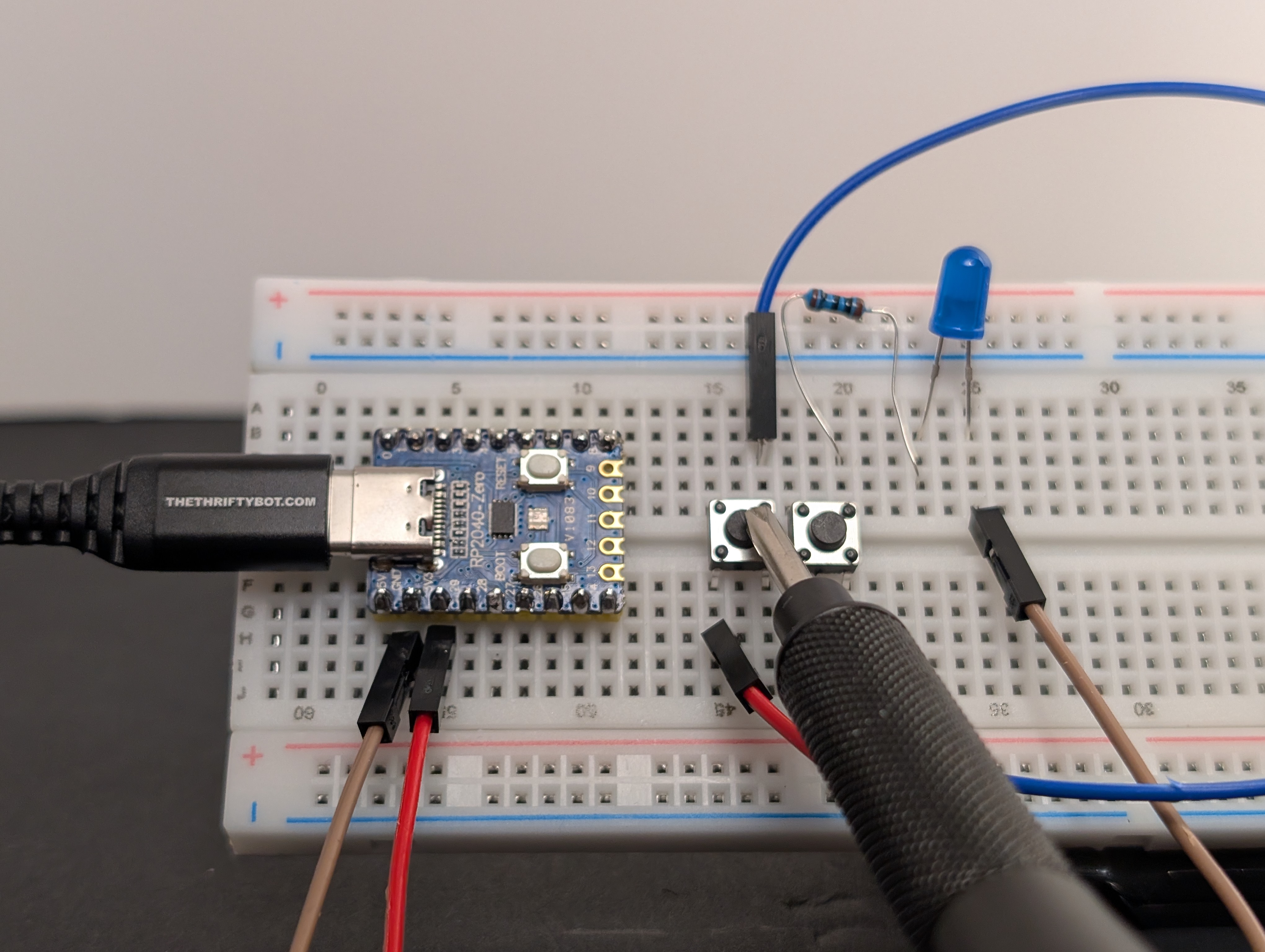
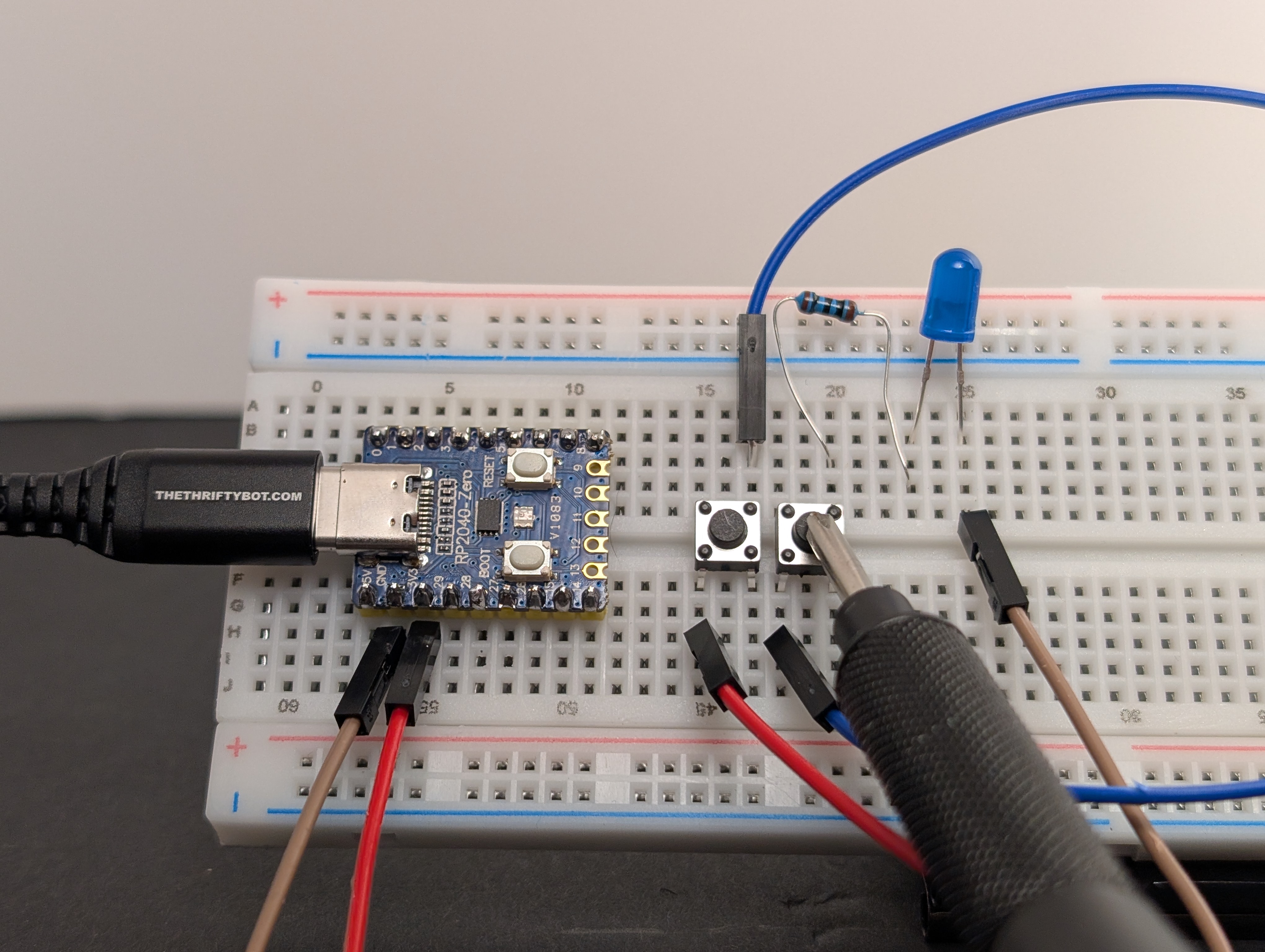
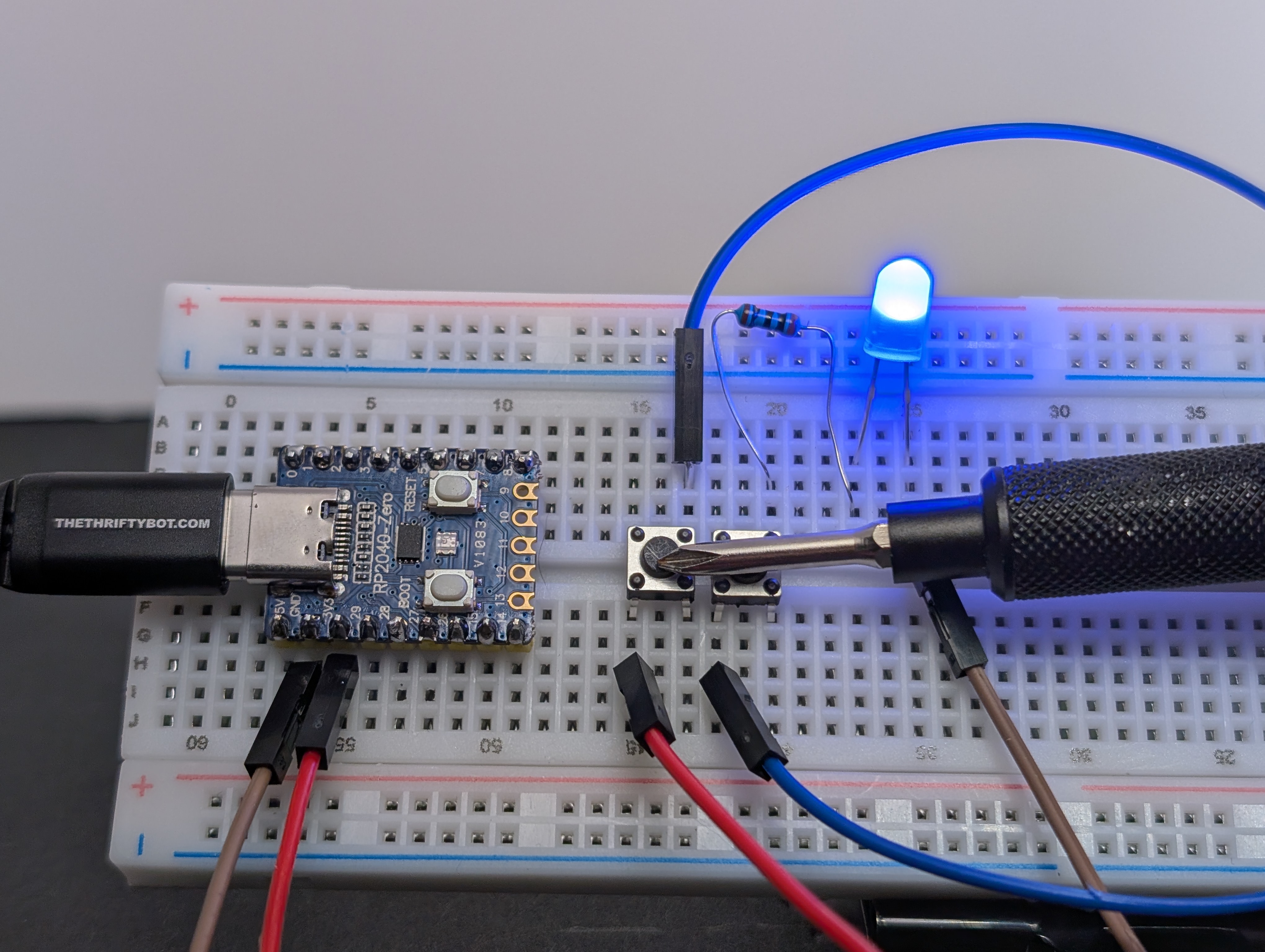
The LED should turn on only when both buttons are pressed at the same time.
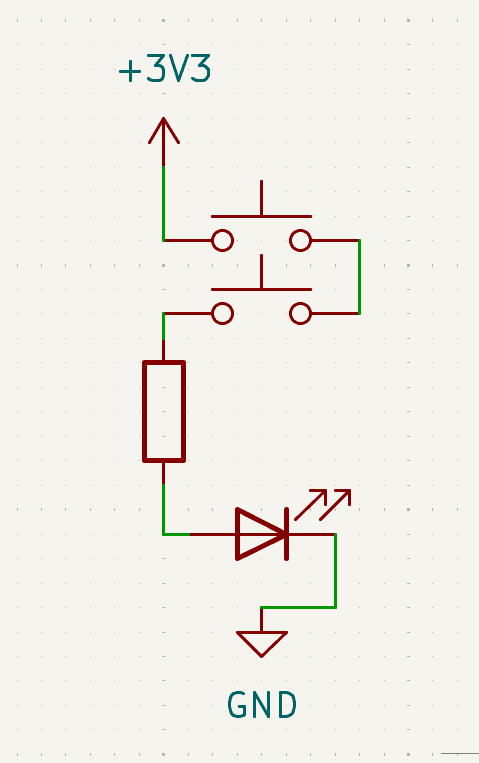
What to notice
- The buttons are in series.
- Series means one path with parts placed one after another.
- Every part in that one path has to be connected for current to flow, so this circuit acts like an AND gate.
Try this next
- Can you add a third button?
- Can you mix this AND logic with the OR logic from the last circuit?